On site
Capture the work while it is fresh
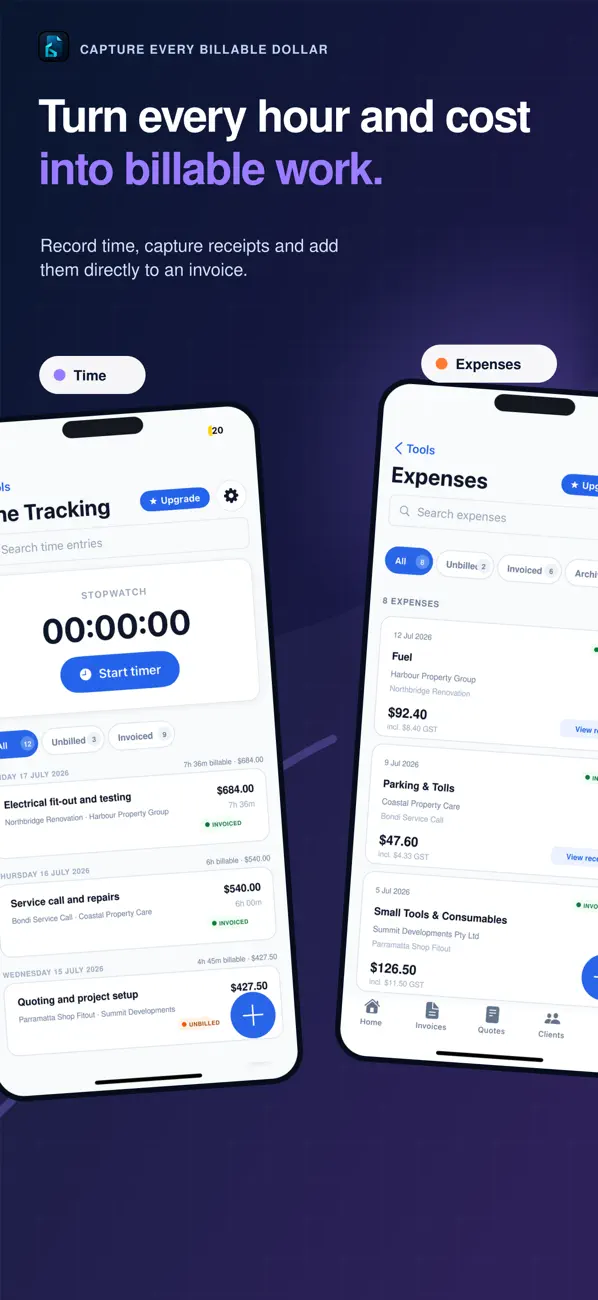
Track billable time, add expenses and attach receipt photos while the job is still in front of you — not from memory at the end of the week.
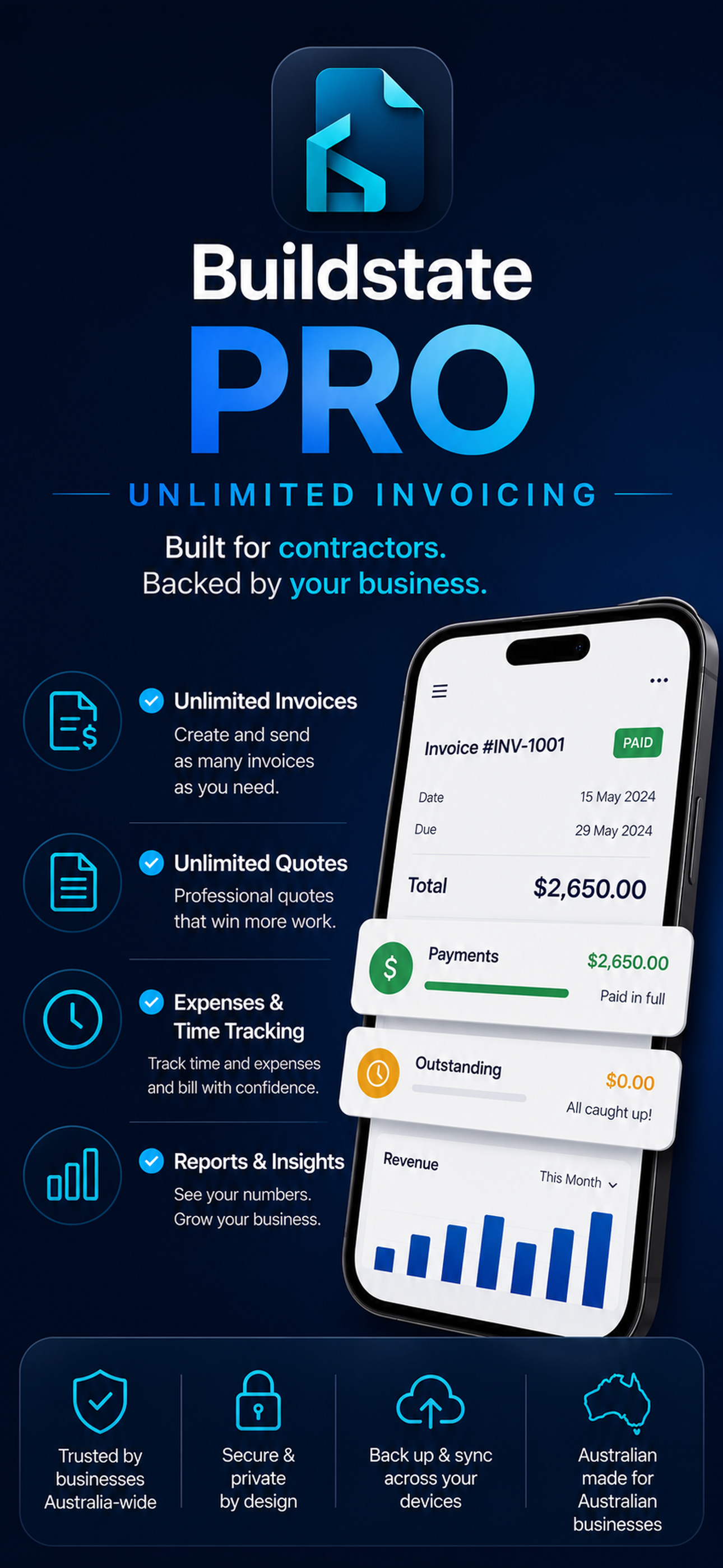
Track time, capture expenses and receipts, organise clients and projects, then create professional invoice PDFs from the iPhone already in your pocket.
iPhone · Free on the Australian App Store · No desktop setup required
iPhone first
Work from site or the ute
Australian ready
ABN and GST settings
Your records
Export when you need them
Real support
admin@buildstate.com.au
Why Buildstate Invoice
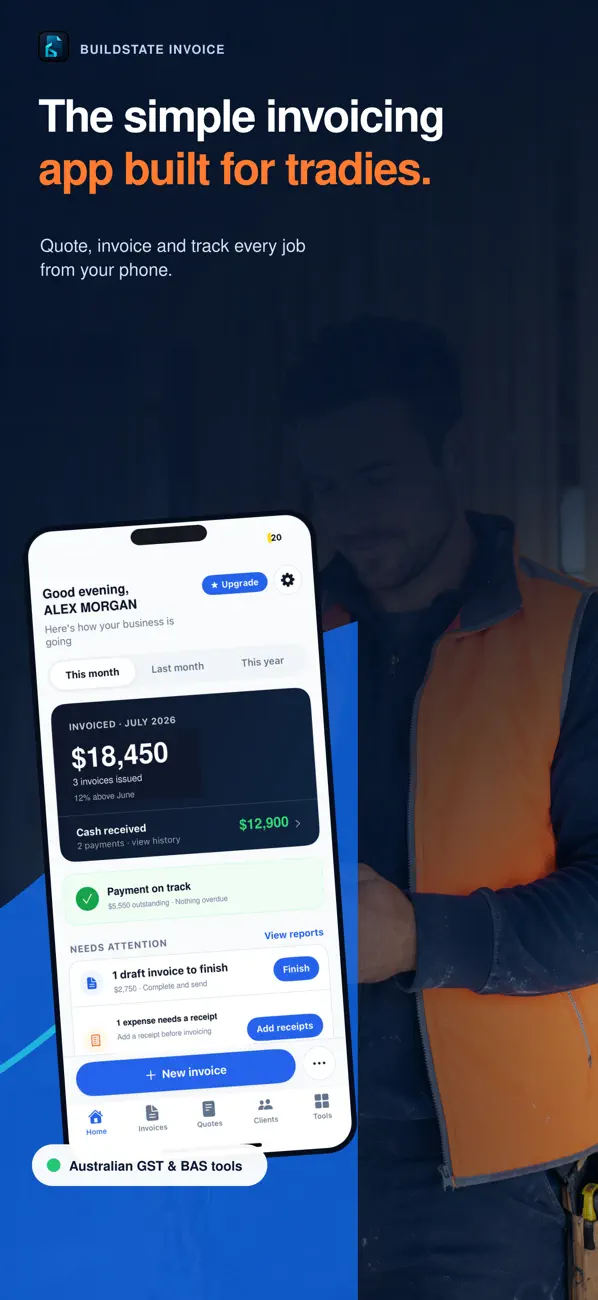
Keep the work, costs and client details connected so less billable information gets lost between the job and the invoice.
On site
Track billable time, add expenses and attach receipt photos while the job is still in front of you — not from memory at the end of the week.
At invoice time
Keep clients and projects organised so the next quote or invoice starts with information you already have instead of another blank spreadsheet.
When you send
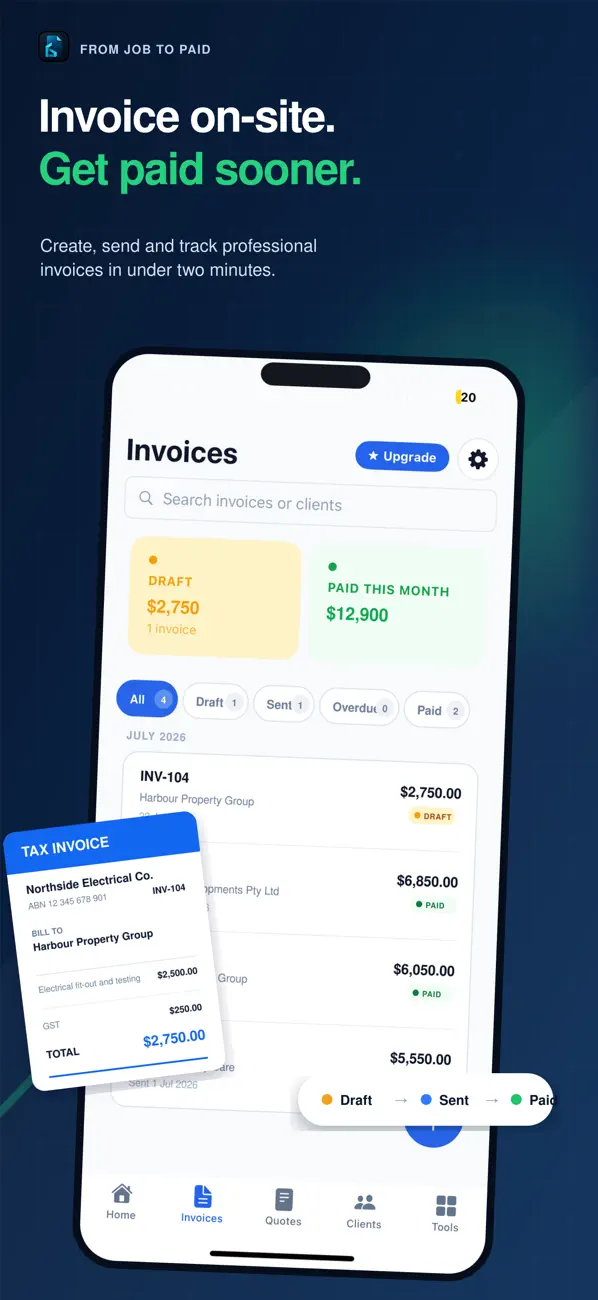
Generate clean invoice PDFs with your business details, GST settings and payment terms, ready to share with the client.
See the actual app
These are the current screenshots used on the Australian App Store — not generic stock mockups.
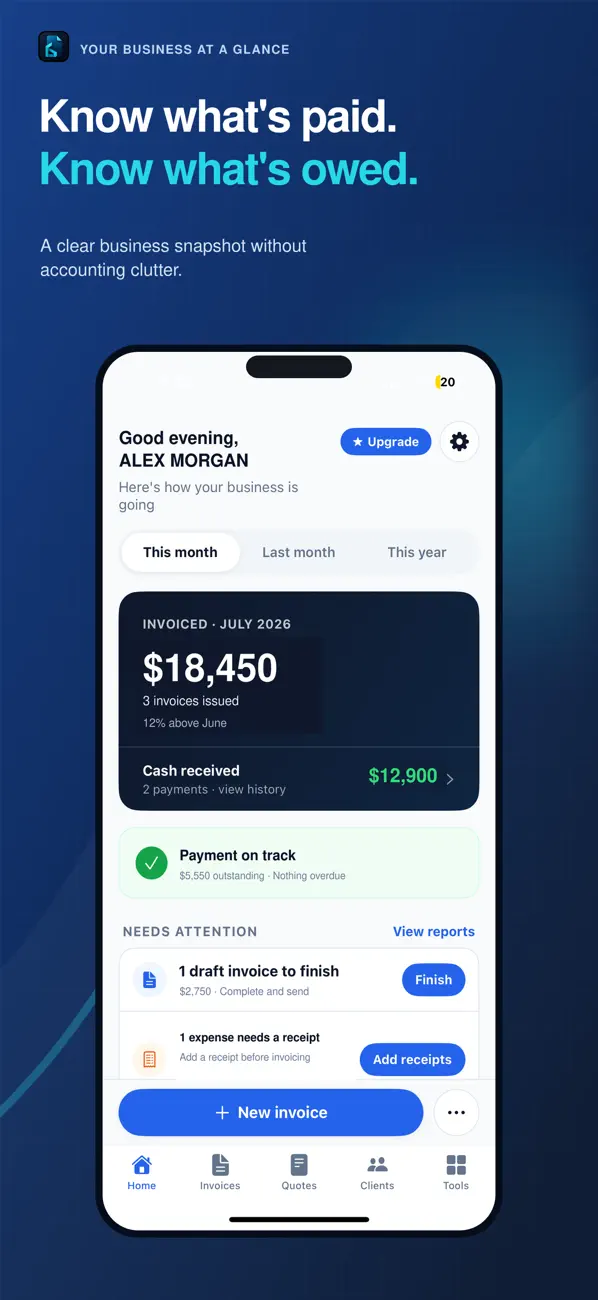
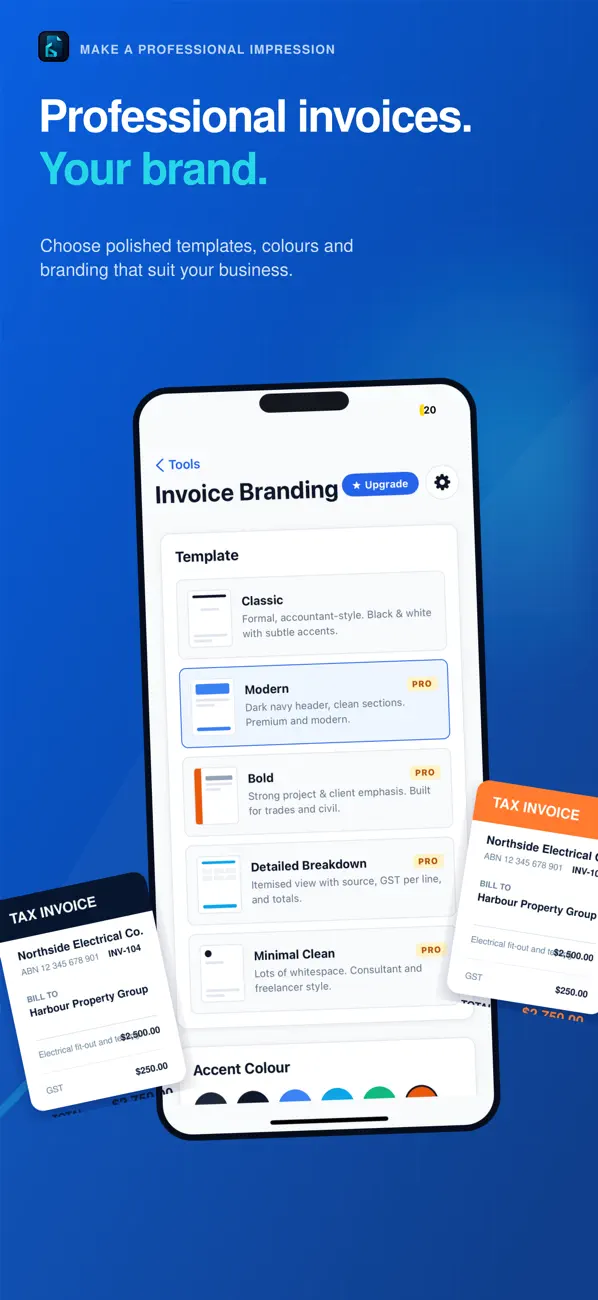
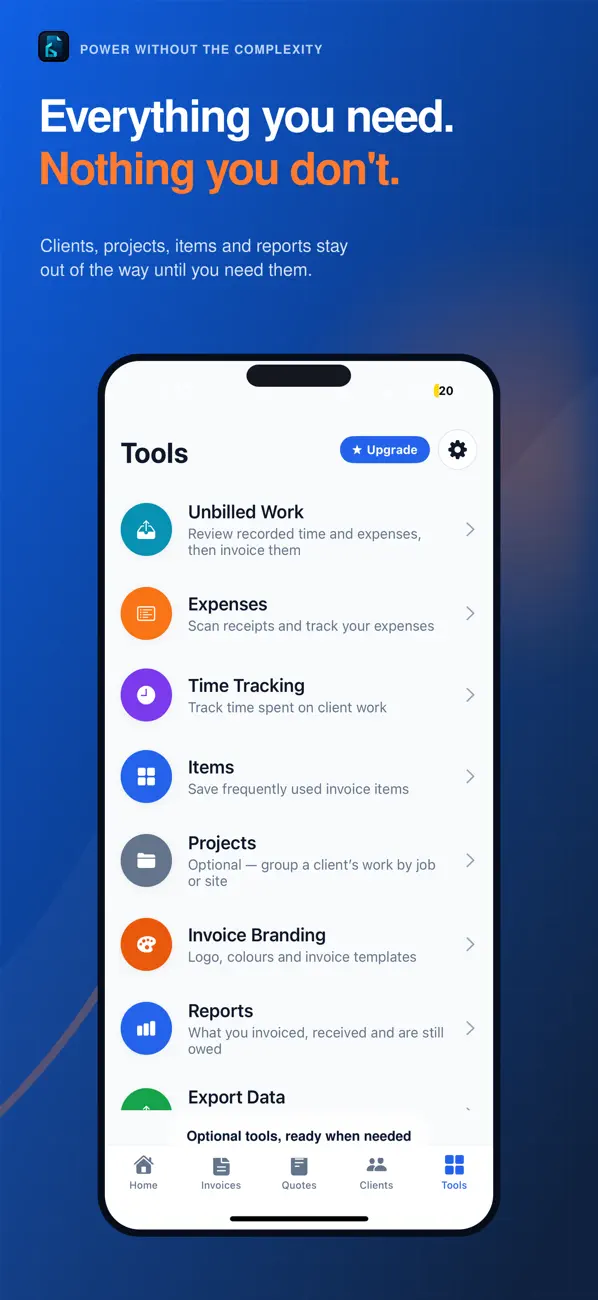
Swipe to see more screens →
The workflow
Run the timer or add hours manually against the right project.
Log expenses and keep receipt photos attached to the record.
Choose the client and project, then add the billable work you need.
Preview the professional document and send it from your iPhone.
Commercially sensitive means commercially sensitive
Buildstate does not sell your personal information, use your client lists or invoice data for marketing, or use your information for behavioural advertising or cross-app tracking.
Read the privacy policyClient lists and invoice data are not used to build marketing audiences.
Your personal information is not sold to advertisers or data brokers.
You can remove your account directly from the app when you no longer need it.
Keep a copy of invoices, expenses and time records for your own business workflow.
Before you download
Yes. The Australian App Store currently lists Buildstate Invoice as free to download. Any paid options are presented inside the app before purchase.
Contractors, sole traders, subcontractors, small civil and construction businesses, consultants charging by time, and field workers who invoice for labour, expenses or project work.
Yes. You can configure GST in business settings, and it's applied to invoices generated in the app.
Yes. Every invoice can be exported as a professional PDF, ready to email, print or share with your client.
Yes. Attach a receipt photo from your camera or photo library when you log an expense, so the evidence stays with the entry.
Yes. Keep your client list, contact details and projects organised inside the app, and bill time and expenses straight to the right project.
Yes. Account deletion is available directly from within the app, so you can remove your data when you no longer need the service.
Buildstate Invoice is the mobile invoicing app from Buildstate. The wider Buildstate platform covers civil site operations — sign-in, programme, ITPs, capture and documents — at buildstate.com.au.
Download Buildstate Invoice on iPhone, put one real job through it, and decide from the workflow rather than another sales pitch.